
Publish clips with Blitz Social
Use Blitz Social when approved clips need to be organized around the right account, channel format, brand setup, caption style, and schedule. It helps recurring shows, client channels, brands, and campaigns publish with the same setup instead of rebuilding it every time.
- Use saved setups for recurring brands, channels, clients, shows, or campaigns.
- Keep platform format, caption, brand, and schedule choices consistent across clips.
- Organize social publishing across TikTok, YouTube, Instagram, X, Facebook, Snapchat, and Threads.
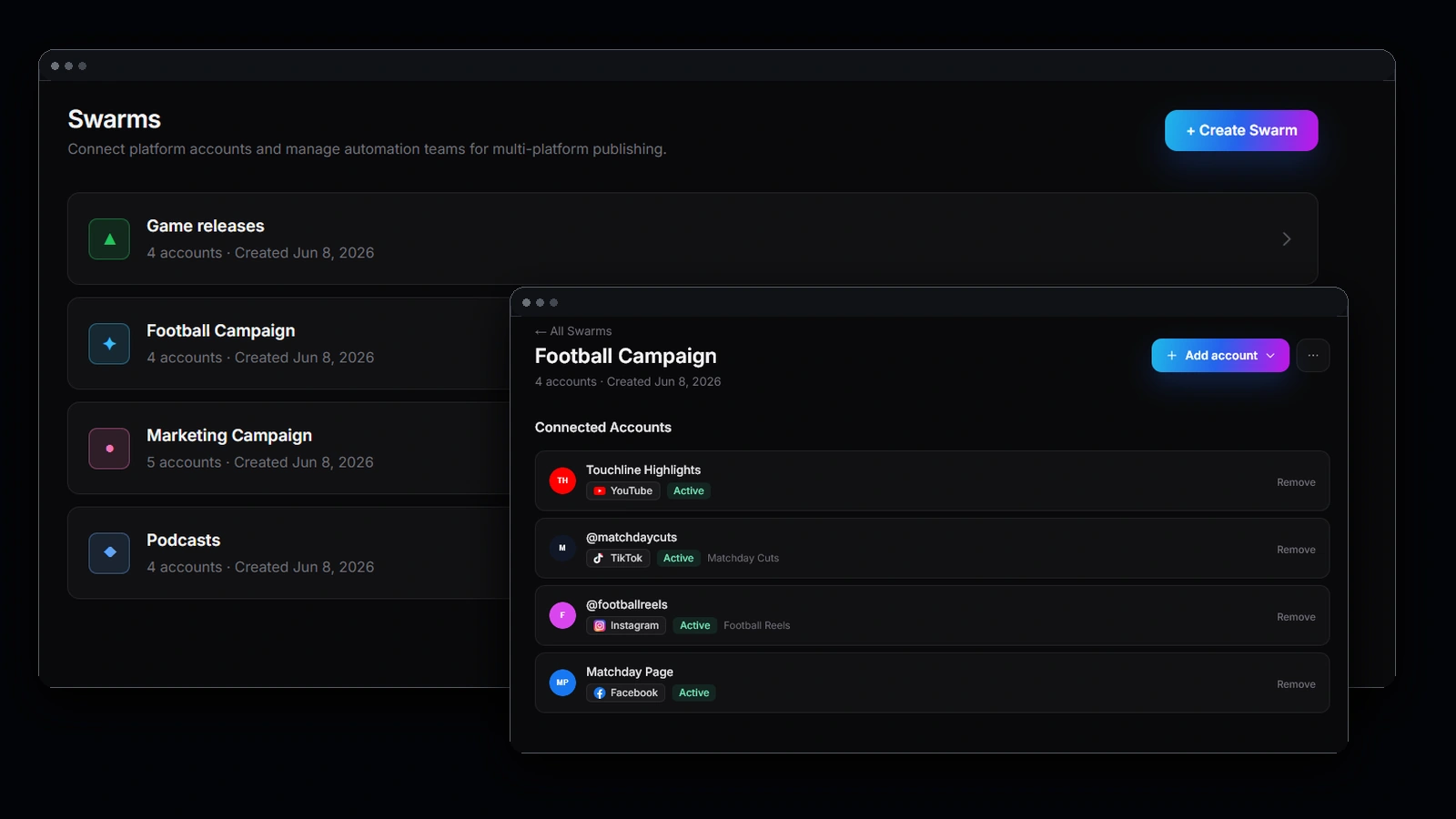
When to use Blitz Social
Use Blitz Social when more than one clip should follow the same publishing setup. This is common for recurring podcast clips, agency clients, brand channels, content series, campaign launches, or creator accounts with a repeatable posting style.
Why saved setups help
Saved setups reduce repetitive publishing decisions. Instead of choosing the same account, format, caption style, brand package, and schedule pattern for every clip, the team can reuse a setup that already matches the channel or campaign.
Prepare clips for each channel
After AI Clipping and BlitzEdit, send approved clips to the Blitz Social setup that matches the destination. Use one setup for a TikTok account, another for a YouTube Shorts channel, another for a client campaign, or any other repeatable publishing group.